
Staying on course: tips for your continuing education requirement
- Published On
- September 29, 2026
- Category
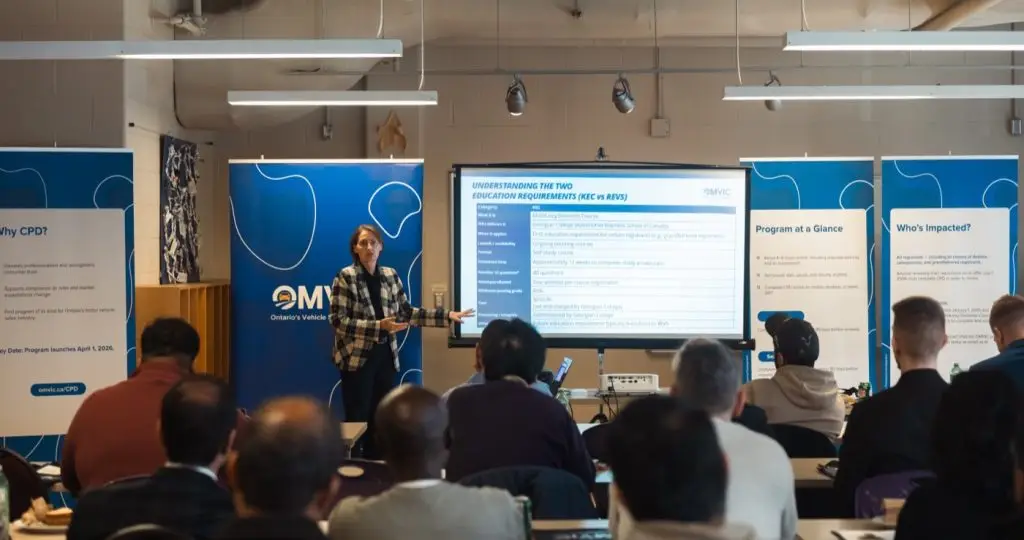
As over 4,000 dealers and salespeople have already completed their REVS requirements, we are sharing tips to help stay on course and complete your continuing education requirements ahead of your renewal. https://www.omvic.ca/selling/continuing-education/revs/
REVS by the numbers
Here are helpful tips for those completing the REVS program:
-
- ✓Plan ahead and start early
- ✓Check your program requirement
- ✓Set up your technology, including computer and webcam
- ✓Be photo ready
- ✓Follow the assessment code of conduct
Plan ahead and start early
Don’t leave your education requirement to the last minute. Completing continuing education is a requirement, but it does not automatically grant registration renewal. All dealers and salespeople must still complete a registration renewal application, so keep enough time to process your renewal. For dealers, if you plan to update your business structure, such as requests to change Persons in Charge (PICs), this can take more time to process. Required changes must be completed with enough time for the PIC to complete continuing education, so submit change requests early to help avoid renewal delays. Keep your business information up-to-date.
Check your program requirement
Begin by logging in to your OMVIC portal. There, you can check which education requirement you have been assigned up to 90 days before registration expiry. If you are assigned to the REVS program, then complete your registration through the OMVIC portal.
Set up your technology, including computer and webcam
REVS is delivered fully online, in a series of modules, that should take you between 4-6 hours to complete in total. You require access to a device with a camera and an internet connection. It is recommended to use a Windows based desktop or laptop when signing up through the OMVIC portal. In addition, when registering, ensure that OMVIC has your latest email address as program access and updates are shared by email. You should provide your direct email address, rather than a general inbox.
Be photo ready
If you’re assigned to REVS, be prepared to complete photo verification before you begin, by taking a photo using the learning platform. You must maintain camera access and follow identity verification requirements when prompted throughout the program and assessments.
REVS was built with dealers and salespeople in mind, allowing you to pause your learning to return to the sales floor to assist a consumer. However, you are reminded to pause any open modules when you leave the room, to avoid a scenario where the system takes a photo without you present as this could raise integrity concerns.
Follow the assessment code of conduct
Before completing REVS program assessments, you will be asked to review and agree to the Program Attestation and Code of Conduct. You are expected to:
-
- ✓Complete all learning activities and assessments on your own
- ✓Follow all identity verification requirements
- ✓Remain fully visible on camera at all times and write the assessment in a well-lit, quiet space
- ✓Use only approved course materials that are allowed for your assessment
Please ensure that you do not:
-
-
- ✘Ask someone to help you answer assessment questions
- ✘Complete an assessment for someone else
- ✘Allow anyone else to enter the room where you are writing the assessment
- ✘Share or distribute assessment questions, content, or course materials
- ✘Use any form of AI resources, such as ChatGPT or Gemini
-
What happens if the requirements aren’t followed?
OMVIC takes assessment integrity seriously and may review assessment and program activity at any time to uphold a fair process for all registrants. Misconduct could delay the completion of your continuing education requirement and your registration renewal. Depending on the circumstances, you may need to complete additional validation steps or an in-person assessment. Even if improper activity is identified after program completion, OMVIC may take action.
If you have questions about continuing education, register for an upcoming webinar, email [email protected] or call us at our dedicated education phone line at 1-800-943-6002 (ext. 6).